Designing clarityat altitude.
Redesigning a drone ground-control workspace around the information and decisions operators need during flight.
The challenge
One operator. Multiple competing demands.
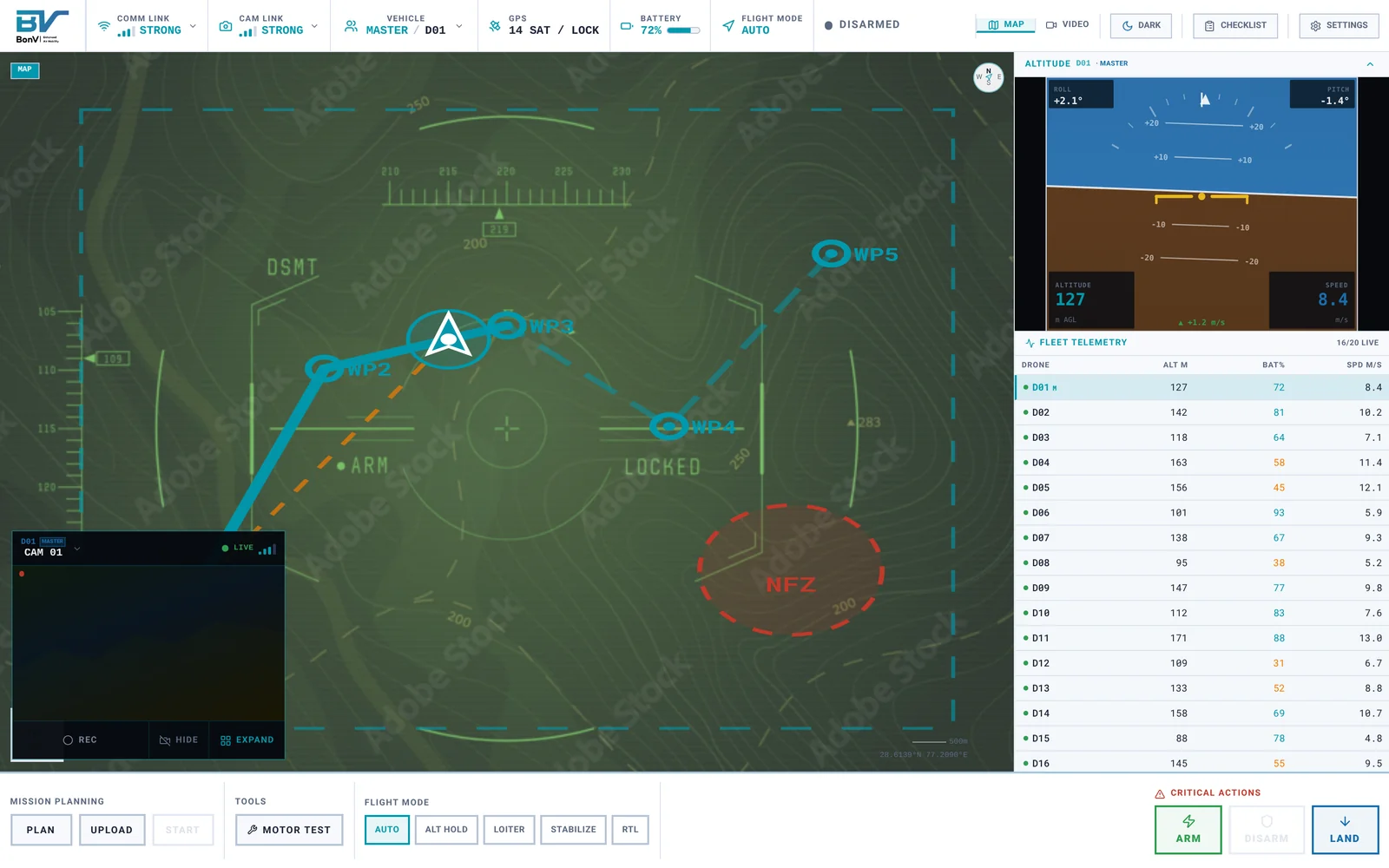
A ground-control station has to communicate flight status, location, camera information and critical controls at the same time. I focused on organizing those demands into a clearer workspace.
- 1Arm state and battery move from small text inside the attitude display to one labelled status strip.
- 2Critical actions leave the tabs and get a labelled group of their own, apart from routine controls.
Decision 01
Keep the operator oriented.
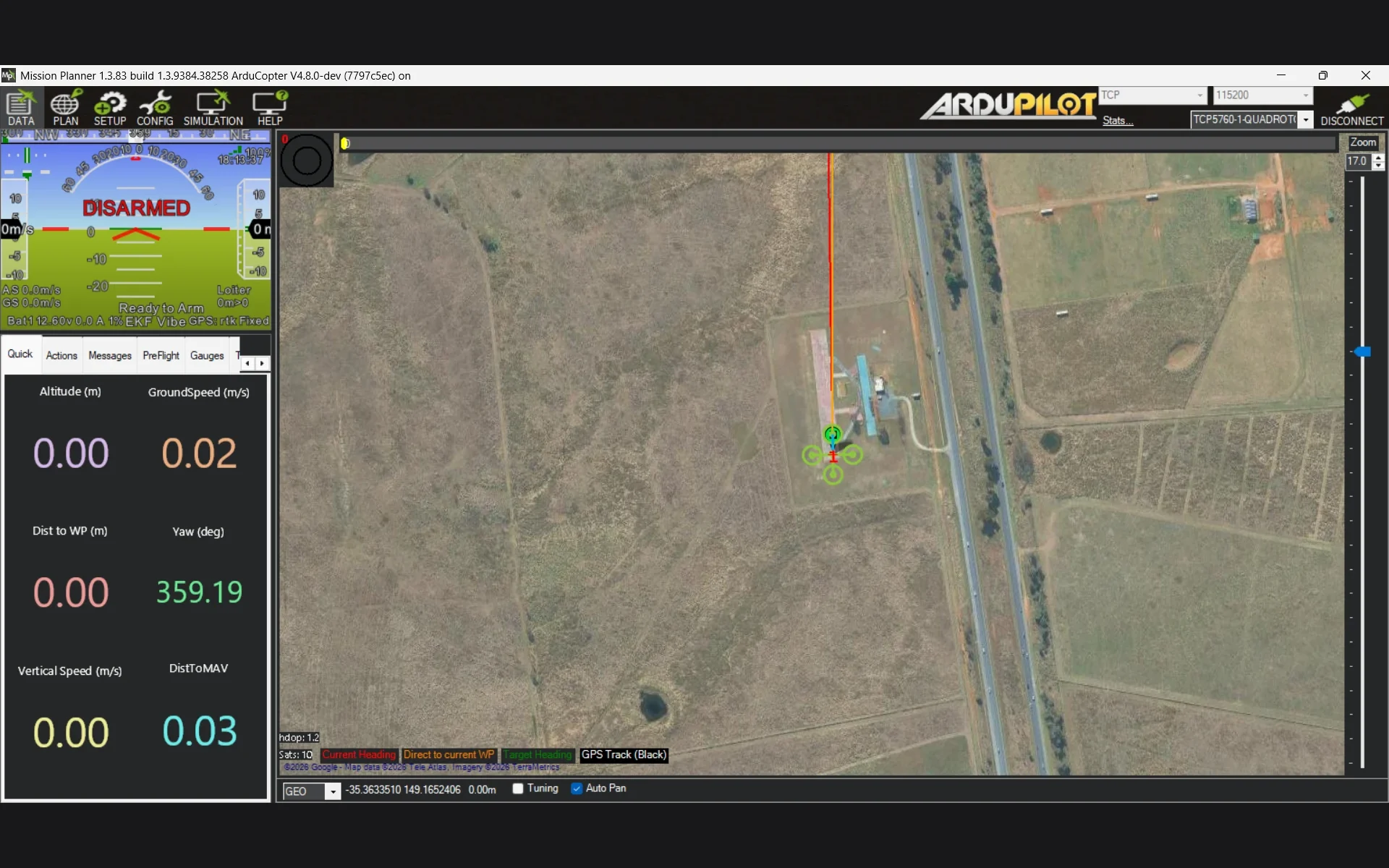
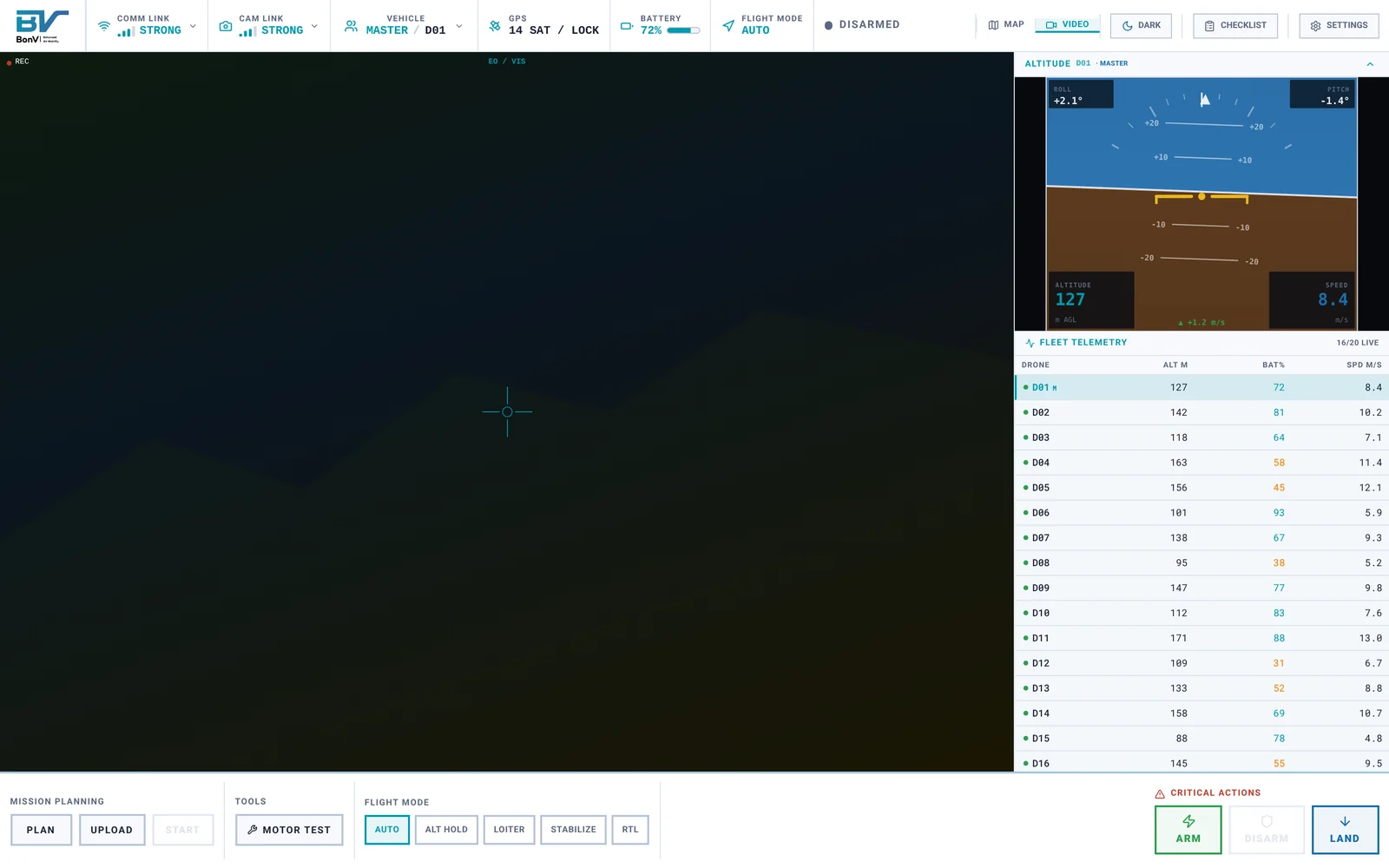
I kept essential flight status and controls accessible while allowing the main workspace to switch between the mission map and live video.
Decision 02
Make critical actions deliberate.
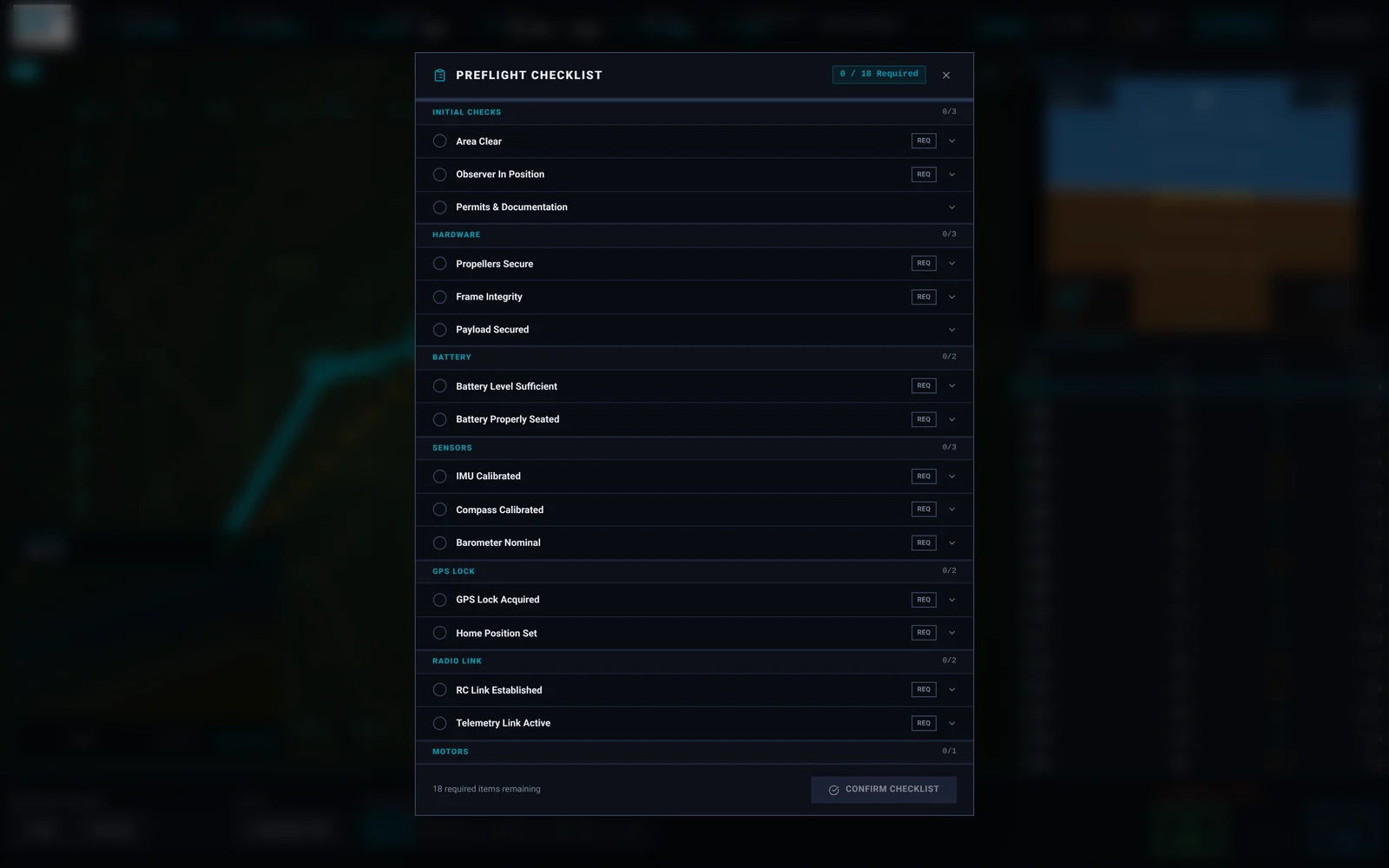
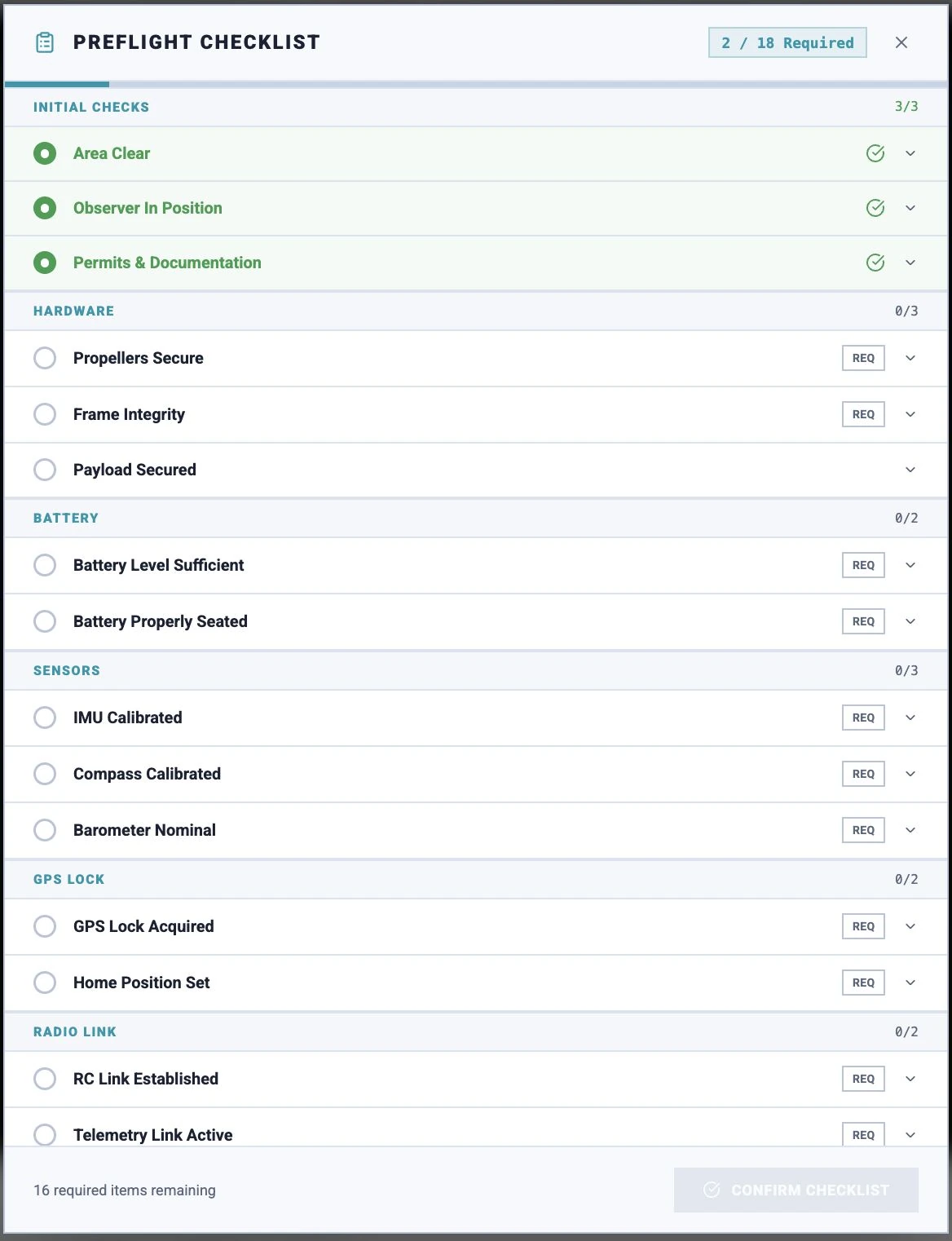
I separated consequential flight controls from routine actions and designed a checklist and confirmation pattern that makes readiness and intent explicit.
Why this decision
A published usability study of QGroundControl found most users could tell the drone was connected but could not confirm it was ready to fly (Intel UX Design, 2016).

Decision 03
From one drone to twenty.
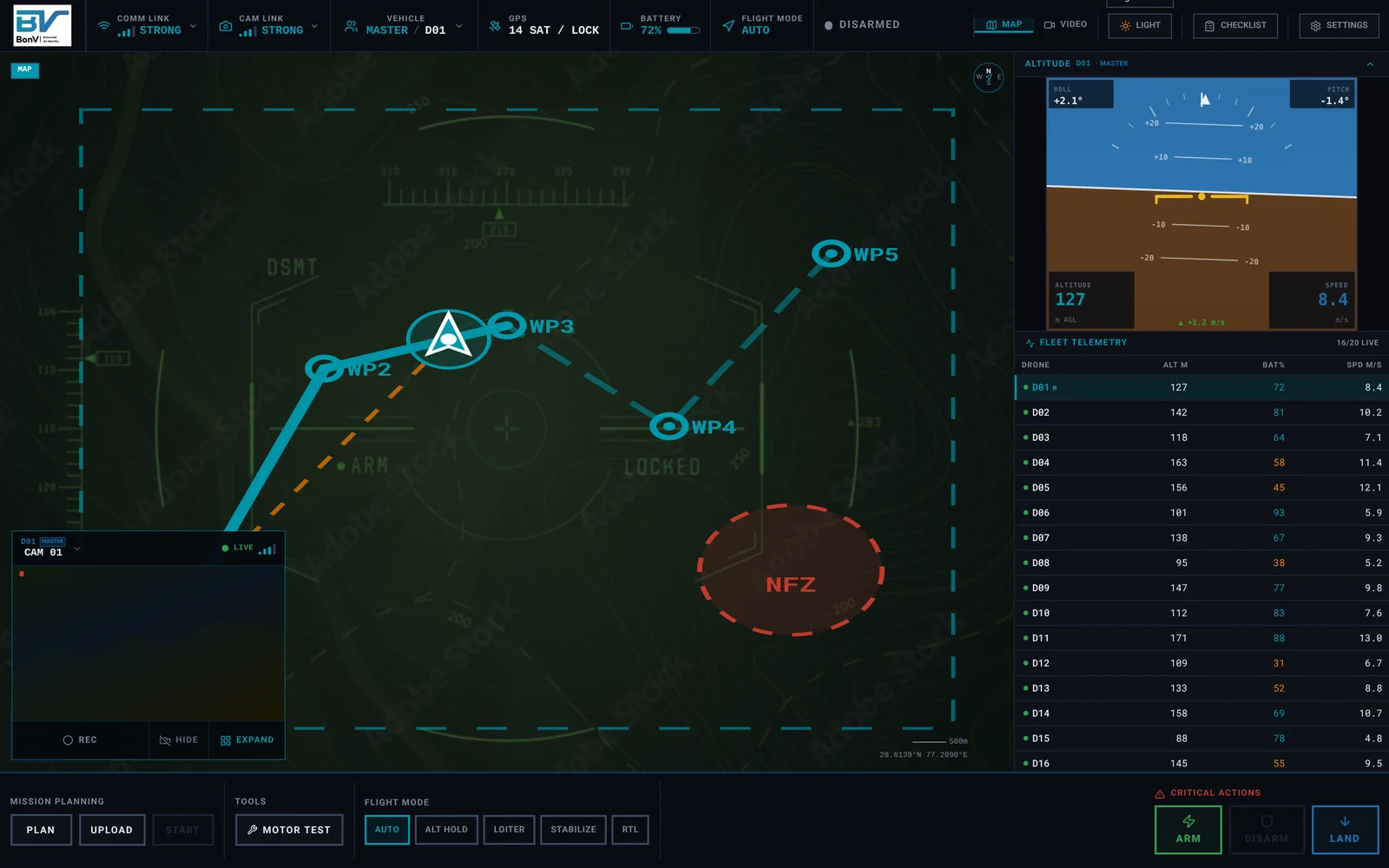
I explored how the single-vehicle workspace could expand to support fleet monitoring, with vehicle-specific information and multiple camera feeds.
- 1Vehicle selection and fleet telemetry. The vehicle selector and fleet table keep every drone’s altitude, battery and speed in view.
- 2Multi-camera monitoring. Each tile names its drone and camera; the header counts 16 live of 20 configured.
Outcome
A clearer system, ready for engineering handoff.
- High-fidelity interactive prototype
- Documented design decisions and specifications
- Engineering handoff materials
Early feasibility checks with BonV’s software team kept each decision inside the existing Qt/C++ application and the live MAVLink data it already uses.
Designing for a system I could not rebuild taught me to bring engineers in early. Checking feasibility before a design was final, not after, made every decision easier to defend.
Prototype and handoff only. Implementation in BonV’s application was outside my scope.